1,000A Peak current
500A Starting current
7,200mAh Rated capacity
105,000 RPM Maximum fan speed

KB700 FEATURES

Feature visuals with the details that make them useful.

Each visual keeps the product and its useful in-image information intact. The text below each section adds the confirmed specification, operating context and safe-use guidance in a consistent SuntNeew reading style.

KB700 fan jump starter overview

Four tools, one kit

A practical companion for the moments you did not plan for.

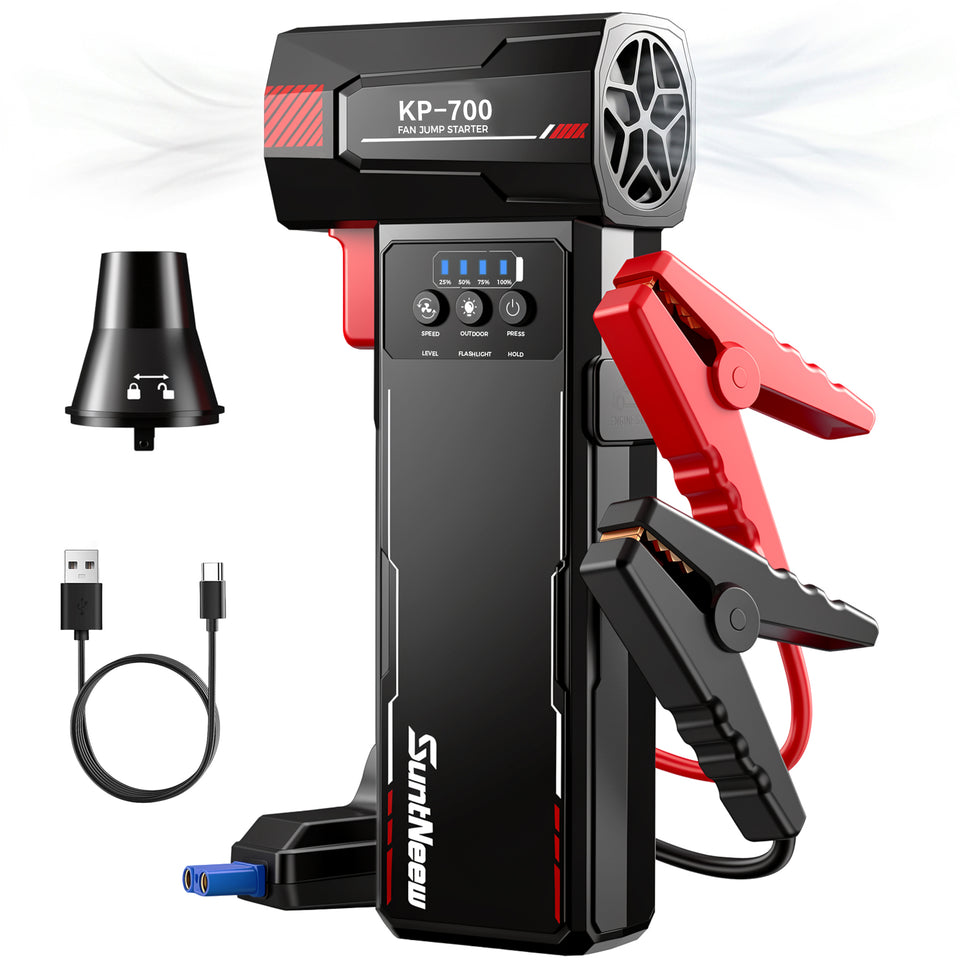
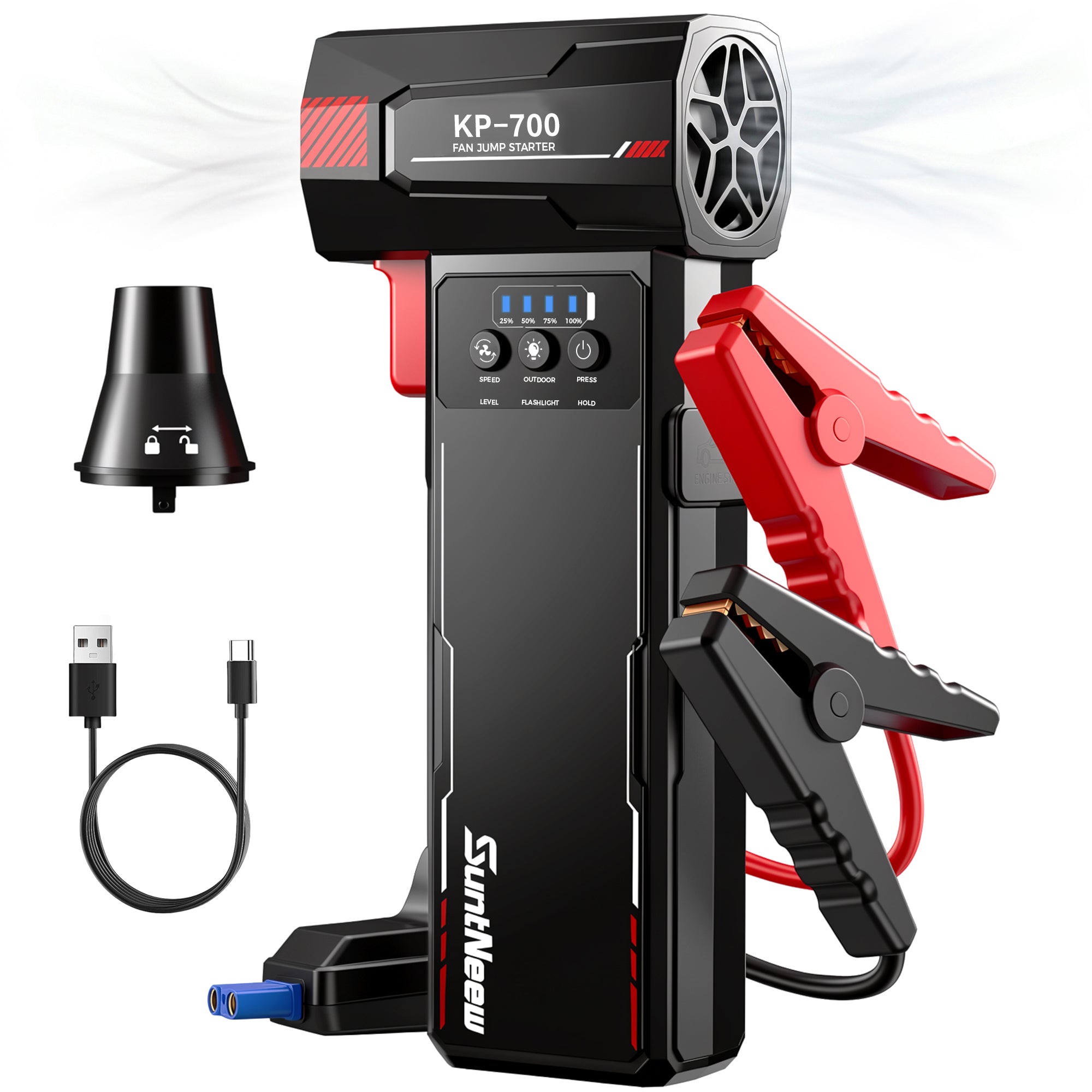
KB700 combines a 12V jump starter, high-speed air duster, USB device charging and 2W emergency light. The product visual stays focused on the device; the supporting details below explain exactly what each function does.

KB700 core specifications

Core specifications

The documented essentials, in one place.

KB700 is specified at 7,200mAh / 26.64Wh, 1,000A peak, 500A starting current and up to 105,000 RPM of air-duster speed. Use the full Specifications panel for temperature, ports and physical dimensions.

KB700 12V engine compatibility

12V starting support

Ready for compatible gas and diesel vehicles.

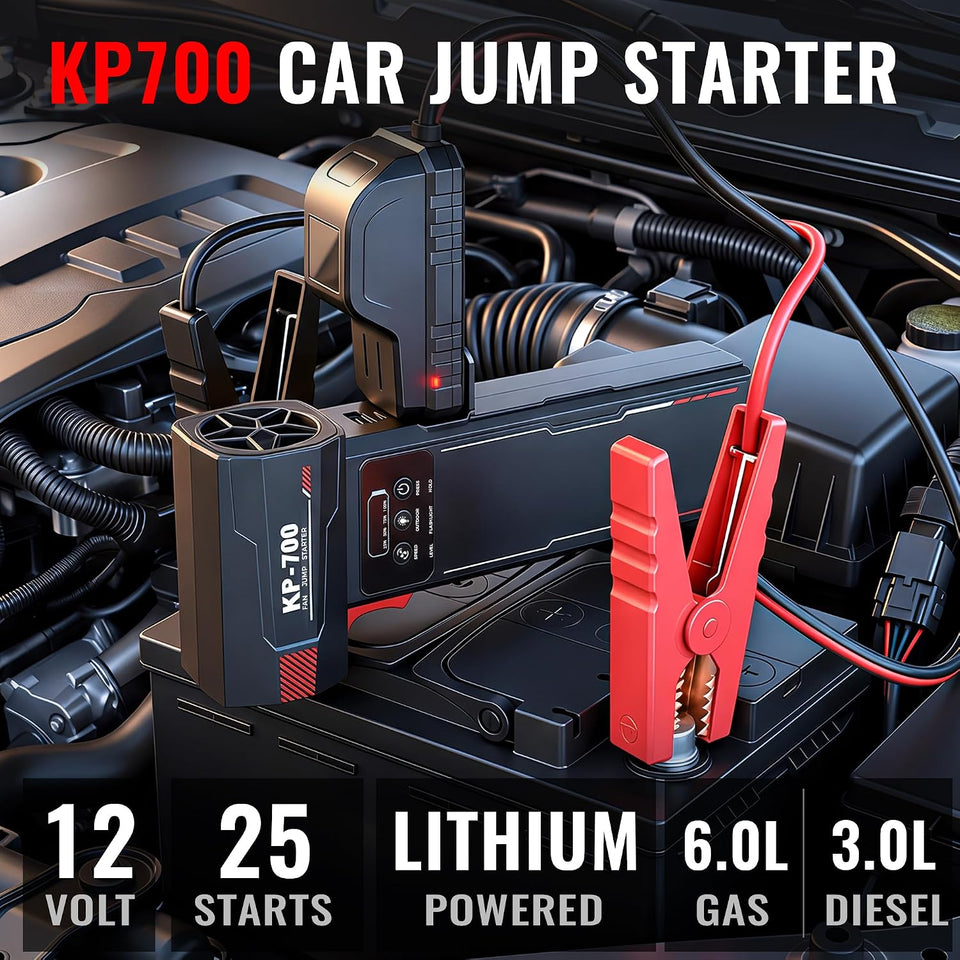
For compatible 12V vehicle batteries, KB700 is documented for engines up to 6.0L Gas or 4.0L Diesel, with 1,000A peak and 500A starting current. A full charge is rated for up to 25 starts; actual results vary with vehicle, battery health and temperature.

KB700 three-speed air duster motor

Three-speed air duster

Choose the airflow that suits the job.

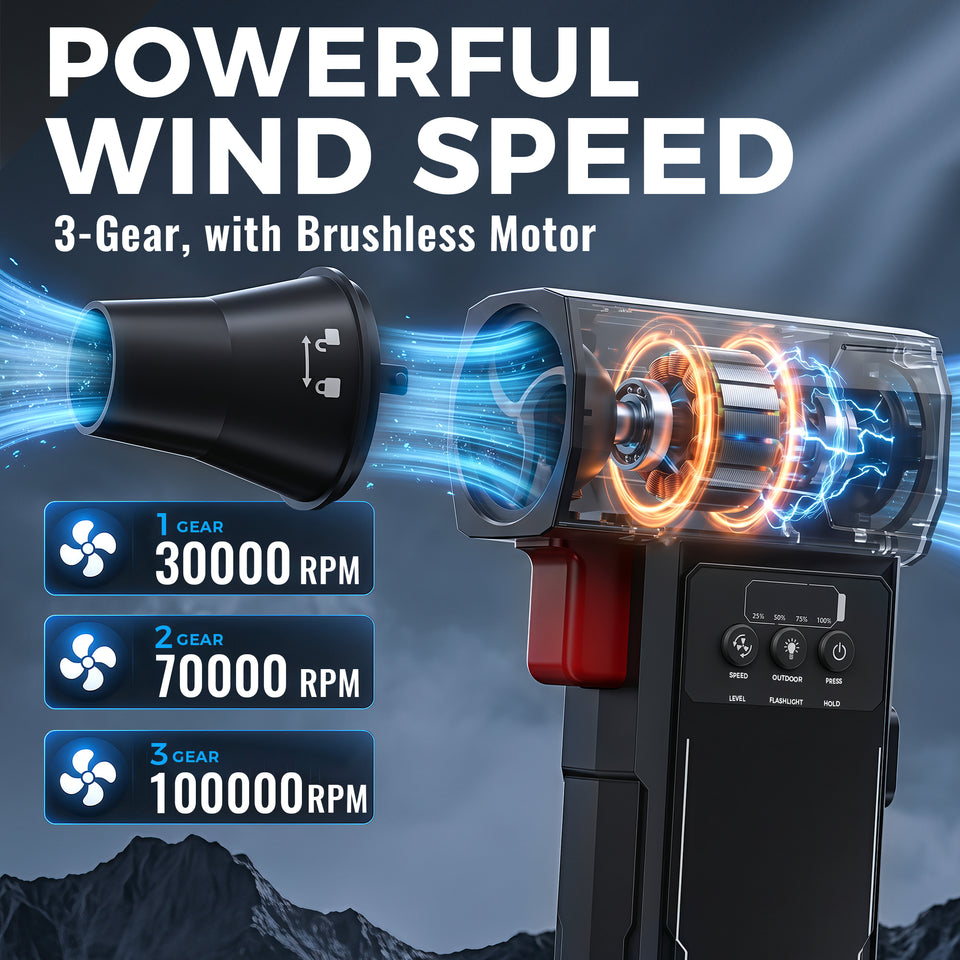
The brushless fan has three documented speed levels: 30,000 RPM for up to 18 minutes, 70,000 RPM for up to 8 minutes and 100,000 RPM for up to 4.5 minutes. Maximum specification: 105,000 RPM / 360W / 550g wind pressure.

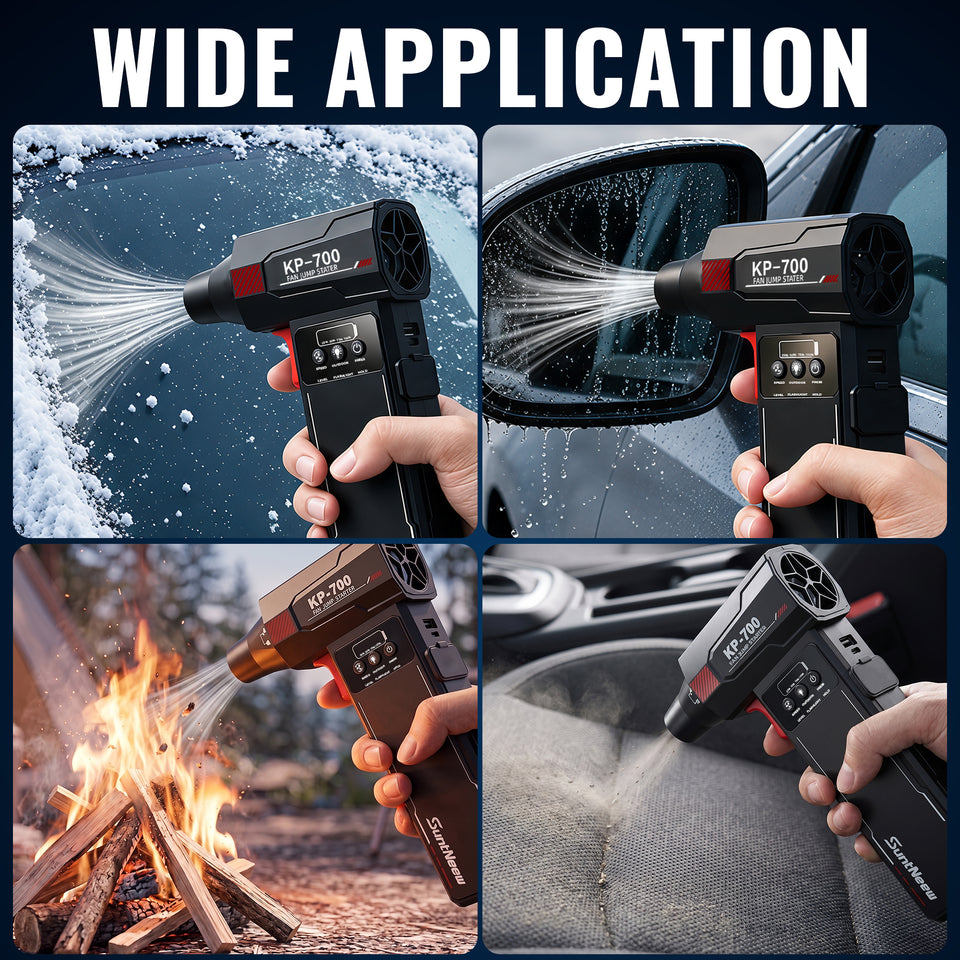
KB700 outdoor and vehicle cleaning uses

Outdoor cleanup

Clear leaves, light snow and loose debris before the drive.

Use the air-duster function for light, dry debris around the vehicle and outdoor gear. Keep the jump starter, clamps and ports dry; this product is not presented as waterproof or IP rated.

KB700 detailed cleaning of vents and window tracks

Detail cleaning

A compact way to reach the places cloths miss.

The included air nozzle helps direct airflow for car vents, window tracks, seats and dry dusty surfaces. Start at a lower setting and avoid blowing debris toward eyes, moving parts or electronics.

KB700 controls ports and jump-start connection

Controls and ports

Everything you need is marked on the device.

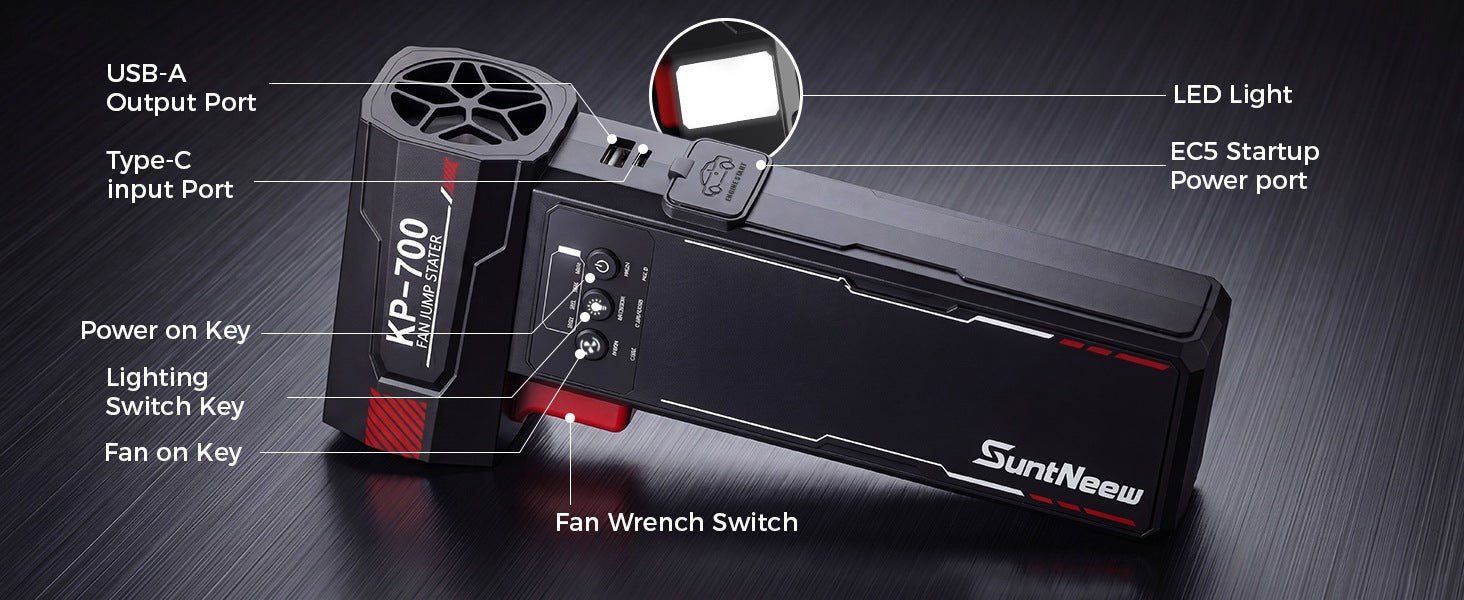
KB700 has a Type-C charging input, USB-A device output, EC5 jump-start port, fan control, lighting control and power key. The below specification table gives the supported 5V/2A input and output limits.

KB700 smart clamp safeguards

Intelligent clamp protection

Clear clamp guidance before you start.

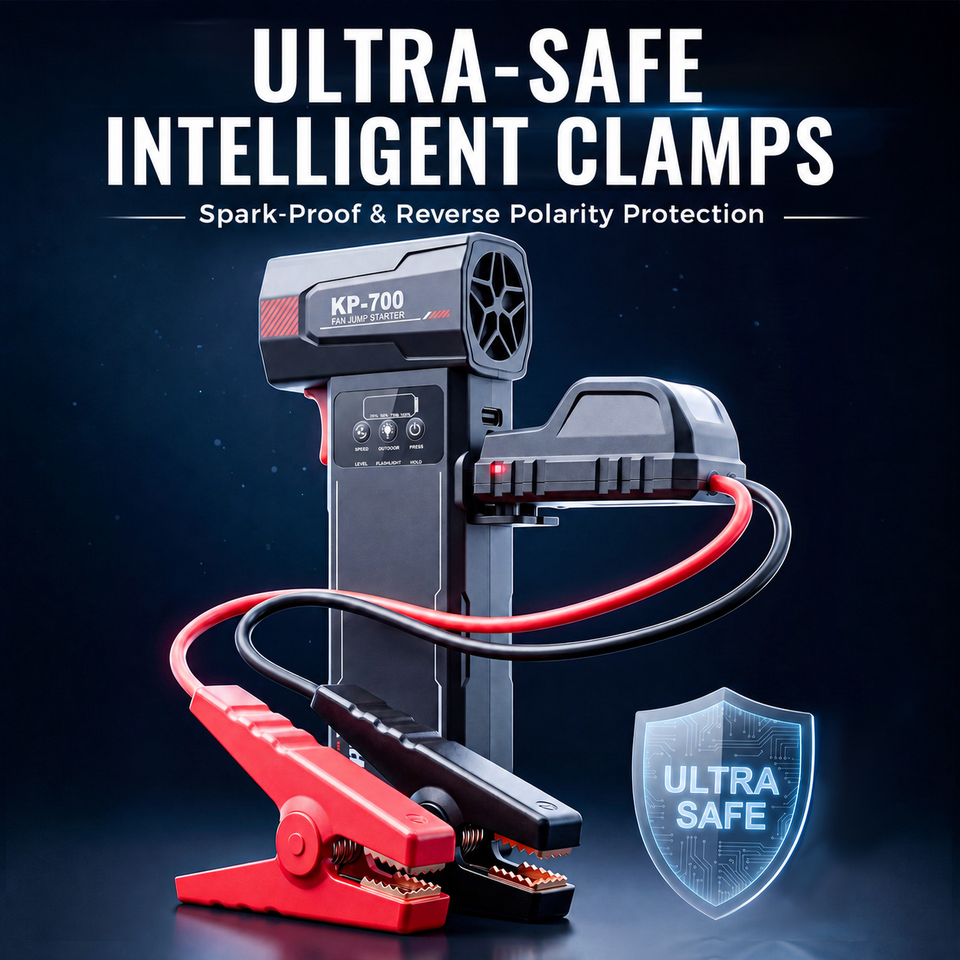
The EC5 smart clamp uses a 10AWG cable and status/buzzer guidance. Its documented protection logic includes reverse polarity, short circuit, overcharge, over-discharge, over-current, overheating, high/low input voltage and timeout conditions.

Four KB700 jump-start steps

Four-step starting

Connect carefully, then start the vehicle.

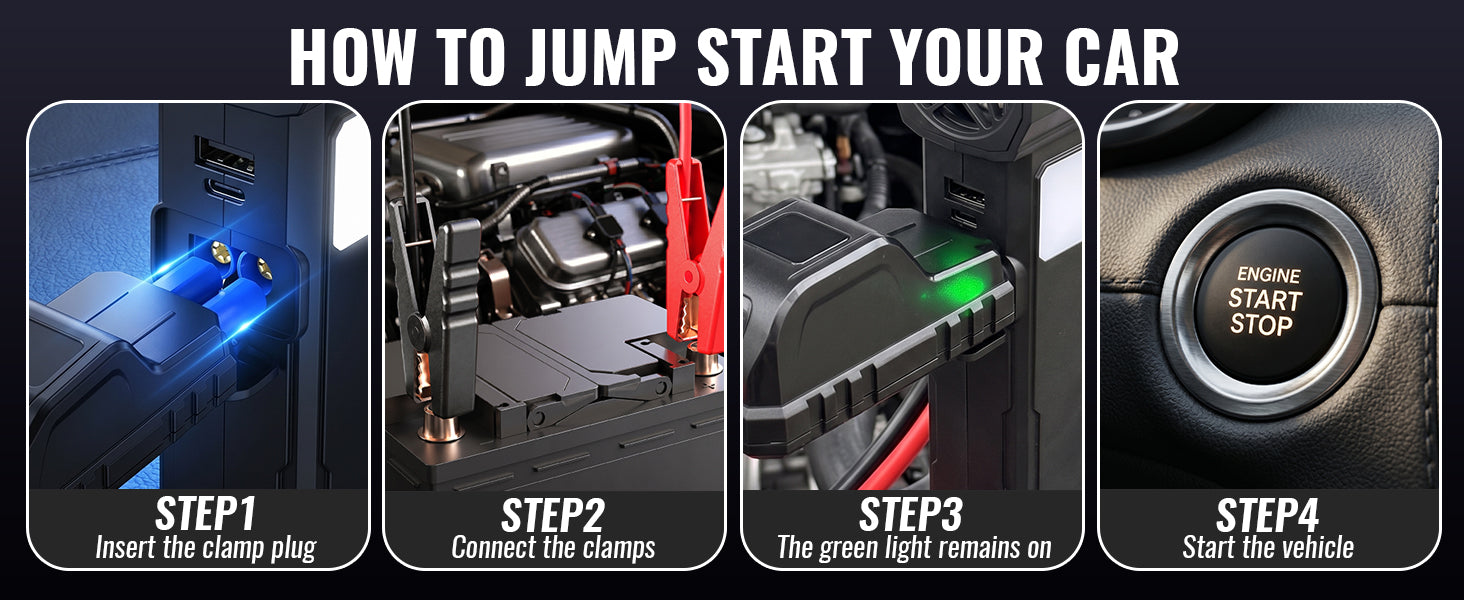
Make sure KB700 is at least 50% charged. Insert the clamp plug, connect red to positive and black to negative, wait for the green indication and start. Remove the clamp within 30 seconds after the vehicle starts.

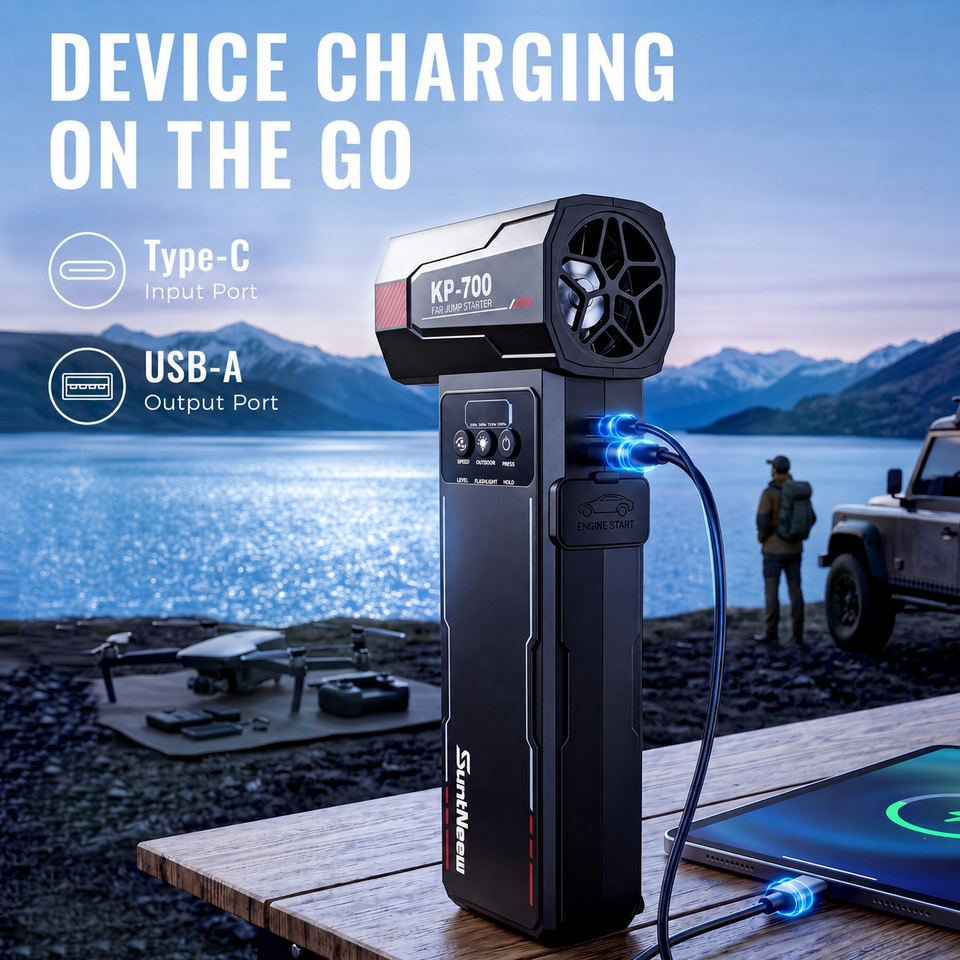
KB700 USB device charging scene

Device charging

Keep a phone or small device within reach.

USB-A output supports everyday emergency charging at 5V/2A. Recharge KB700 through the Type-C port at 5V/2A in about four hours. Use the supplied USB-A to Type-C cable or an equivalent compatible cable.

Product details

KB700 technical specifications

Specifications are drawn from the KB700 English manual and approved product documentation. Follow the manual’s operating sequence and safety limits before every use.

Starting performance View details
Rated capacity
7,200mAh
Rated energy
26.64Wh
Starting current
500A
Peak current
1,000A
Engine reference
Up to 6.0L Gas / 4.0L Diesel
Starting reference
Up to 25 starts per charge
Fan, charging & clamp View details
Maximum fan speed
105,000 RPM (±10%)
High-speed fan
360W; 550g wind pressure
Fan levels
30,000 / 70,000 / 100,000 RPM
Type-C input
5V/2A
USB-A output
5V/2A
Recharge time
About 4 hours
Emergency light
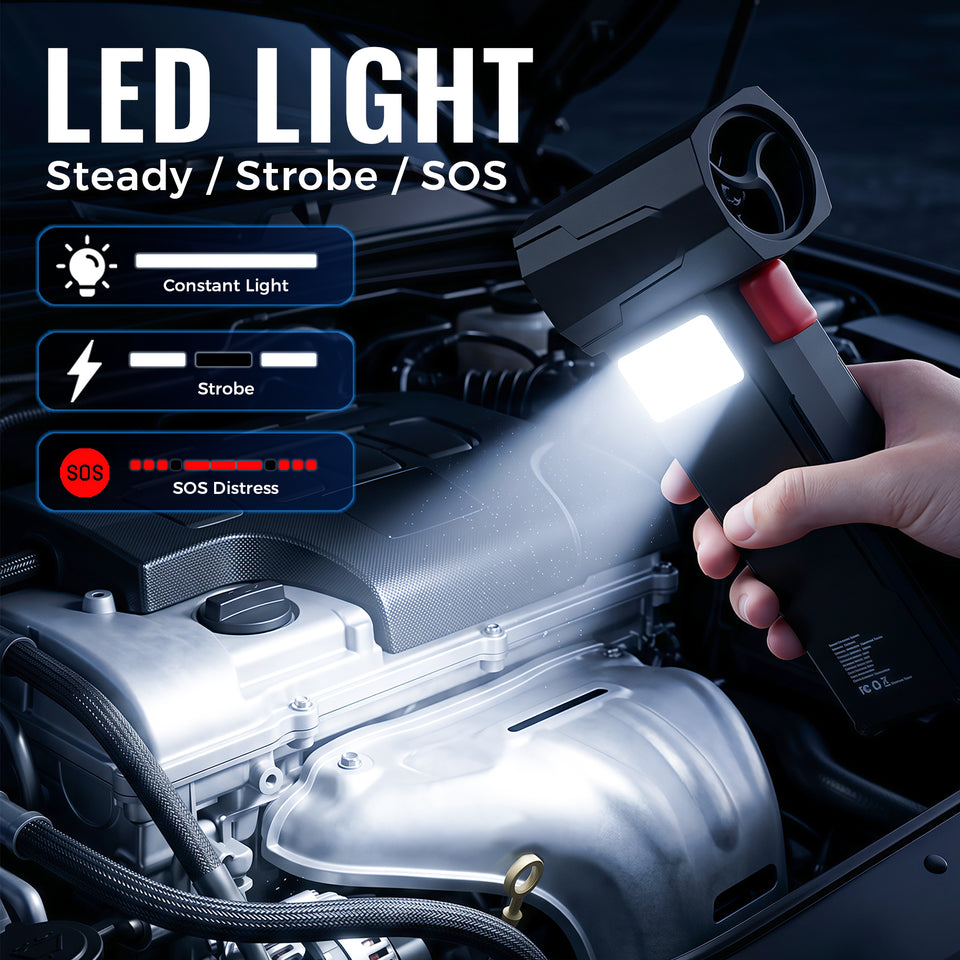
2W; Steady, Flashing and SOS
Smart clamp
EC5; 10AWG cable; 50cm span
Physical & operating limits View details
Housing
ABS + PC
Product size
203 × 85 × 36mm
Net weight
465g / 1.0lb
Discharge operating range
-20°C–60°C
Charging temperature
0°C–45°C

What is included

In the box

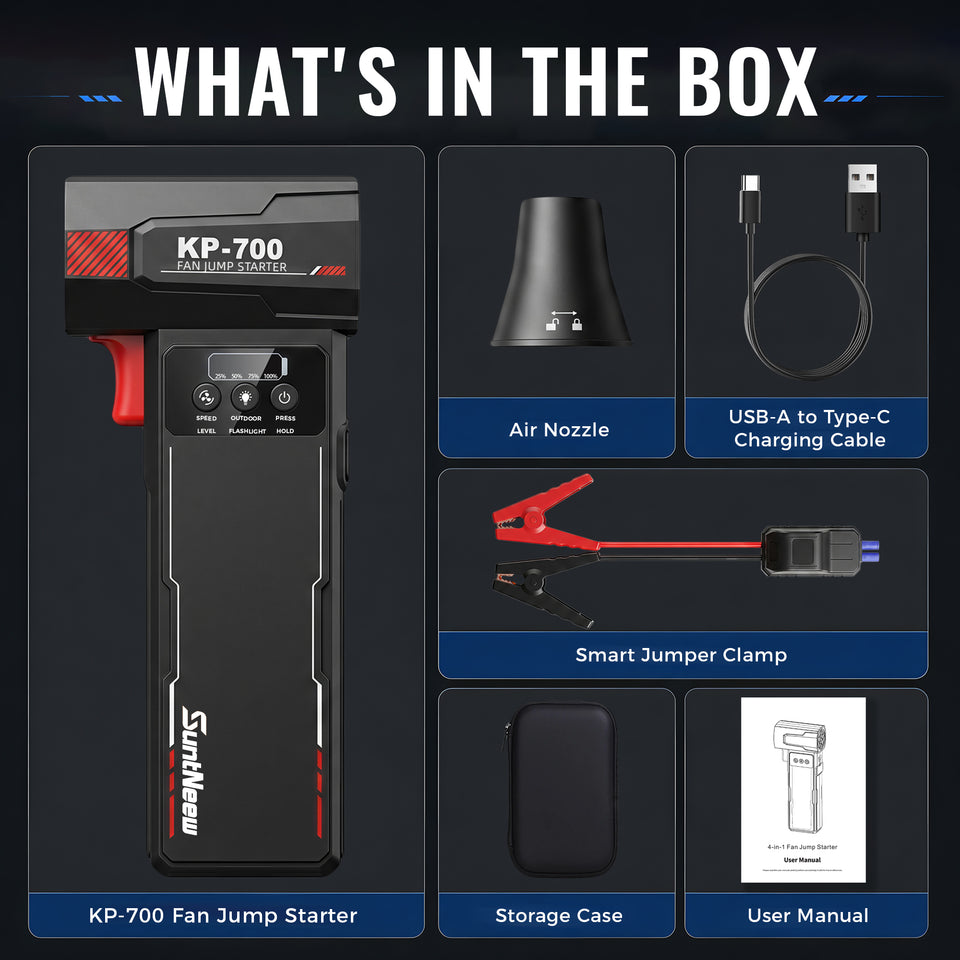
  • KB700 fan jump starter x1
  • EC5 smart jumper clamp x1
  • USB-A to Type-C cable x1
  • Air nozzle x1
  • EVA storage case x1
  • English user manual x1
  • Color box x1

Reference material

Manuals & Documents

User Manuals

Safety & Compliance

KB700 SUPPORT

Frequently asked questions

Which vehicles can KB700 support?

KB700 is for compatible 12V vehicle batteries, with a documented reference of up to 6.0L gasoline or 4.0L diesel engines. Do not attempt to jump-start a higher-rated engine or a battery with a different voltage.

What does up to 25 starts mean?

The up-to-25-starts reference is based on the product documentation for a typical 1.5L passenger vehicle under a full charge. Results vary with engine size, battery condition, temperature and vehicle condition.

How do I use KB700 to jump-start a vehicle?

Charge the unit to at least 50%, insert the clamp plug, connect red to the positive terminal and black to the negative terminal, wait for the green indication, then start the vehicle. Remove the clamps within 30 seconds after the vehicle starts.

What are the three air-duster speeds?

The documented three levels are 30,000 RPM for up to 18 minutes, 70,000 RPM for up to 8 minutes and 100,000 RPM for up to 4.5 minutes. The maximum fan speed specification is 105,000 RPM (±10%).

Can I charge a phone with KB700?

Yes. The USB-A output supports emergency device charging at 5V/2A. Recharge KB700 through its Type-C input at 5V/2A; typical recharge time is about four hours.

What light modes are available?

The 2W LED has Steady, Flashing and SOS modes. Turn the unit on, then press the lighting key to move through the modes.

Can I use KB700 in rain or rinse it clean?

No. Keep the unit, clamps and ports dry. The product is not marketed as waterproof or IP rated; do not rinse, submerge or use it when wet.